
<?php
function custom_product_images_with_variations() {
    global $post, $product;
    if ( ! $post || get_post_type( $post->ID ) !== 'product' ) {
        return '';
    }

    // 1. Collect image IDs: featured image first, then gallery images (avoiding duplicates)
    $images = array();
    $featured_image_id = get_post_thumbnail_id( $post->ID );
    if ( $featured_image_id ) {
        $images[] = $featured_image_id;
    }
    $gallery_images = get_post_meta( $post->ID, '_product_image_gallery', true );
    if ( ! empty( $gallery_images ) ) {
        $gallery_ids = explode( ',', $gallery_images );
        foreach ( $gallery_ids as $id ) {
            if ( ! in_array( $id, $images ) ) {
                $images[] = $id;
            }
        }
    }

    // 2. Build a mapping of variation value (for Colors) to image ID.
    // This example assumes a variable product using the "Colors" attribute (attribute_pa_colors).
    $variation_mapping = array();
    if ( $product && $product->is_type( 'variable' ) ) {
        $available_variations = $product->get_available_variations();
        foreach ( $available_variations as $variation ) {
            if ( isset( $variation['attributes']['attribute_pa_colors'] ) && ! empty( $variation['attributes']['attribute_pa_colors'] ) ) {
                $color = strtolower( $variation['attributes']['attribute_pa_colors'] );
                $variation_image_id = $variation['image_id'];
                if ( $variation_image_id && ! isset( $variation_mapping[ $color ] ) ) {
                    $variation_mapping[ $color ] = $variation_image_id;
                }
            }
        }
    }

    // 3. Build the HTML for the images.
    // Each image is wrapped in an anchor that has the lightbox classes and data attributes.
    $html = '';
    foreach ( $images as $image_id ) {
        $image_url  = wp_get_attachment_image_url( $image_id, 'full' );
        $image_meta = wp_get_attachment_metadata( $image_id );
        $width  = isset( $image_meta['width'] ) ? $image_meta['width'] : 800;
        $height = isset( $image_meta['height'] ) ? $image_meta['height'] : 800;

        // Get alt text; fallback to the filename (without extension) if empty.
        $image_alt = get_post_meta( $image_id, '_wp_attachment_image_alt', true );
        if ( empty( $image_alt ) ) {
            $attachment = get_post( $image_id );
            $image_alt  = $attachment ? pathinfo( $attachment->guid, PATHINFO_FILENAME ) : '';
        }

        // If this image is used as a variation image, add a data attribute.
        $data_variation = '';
        $found_variation = array_search( $image_id, $variation_mapping );
        if ( $found_variation !== false ) {
            $data_variation = ' data-variation="' . esc_attr( $found_variation ) . '"';
        }

        if ( $image_url ) {
            // IMPORTANT: Use the classes your lightbox expects.
            $html .= '<a href="' . esc_url( $image_url ) . '" class="brxe-image tag bricks-lightbox"'. $data_variation .' data-pswp-src="' . esc_url( $image_url ) . '" data-pswp-width="' . esc_attr( $width ) . '" data-pswp-height="' . esc_attr( $height ) . '">';
            $html .= '<img src="' . esc_url( $image_url ) . '" alt="' . esc_attr( $image_alt ) . '" class="custom-image" />';
            $html .= '</a>';
        }
    }

    // 4. Wrap all images in a container.
    $output = '<div class="custom-product-images">'.$html.'</div>';

    return $output;
}
add_shortcode('custom_product_images', 'custom_product_images_with_variations');
?>
document.addEventListener("DOMContentLoaded", function(){
    var container = document.querySelector(".custom-product-images");
    if (!container) return;
    // Save the original order of the image anchors.
    var originalNodes = Array.from(container.children);

    function reorderImages(selectedValue) {
        // If no variation is selected, remove any highlight and restore original order.
        if (!selectedValue) {
            container.querySelectorAll("a.highlight").forEach(function(a) {
                a.classList.remove("highlight");
            });
            while (container.firstChild) {
                container.removeChild(container.firstChild);
            }
            originalNodes.forEach(function(node) {
                container.appendChild(node);
            });
            return;
        }
        // If a variation is selected, find the corresponding image link.
        var target = container.querySelector('a[data-variation="' + selectedValue.toLowerCase() + '"]');
        if (target) {
            container.querySelectorAll("a.highlight").forEach(function(a) {
                a.classList.remove("highlight");
            });
            target.classList.add("highlight");
            container.insertBefore(target, container.firstChild);
        }
    }

    // Listen for changes on the hidden select element.
    var variationSelect = document.querySelector("select[name='attribute_pa_colors']");
    if (variationSelect) {
        variationSelect.addEventListener("change", function(){
            var selected = variationSelect.value;
            reorderImages(selected);
        });
    }

    // Listen for clicks on radio-style variation selectors.
    var variationRadios = document.querySelectorAll("[data-attribute_name='attribute_pa_colors']");
    variationRadios.forEach(function(radio){
        radio.addEventListener("click", function(){
            // After the click, check if any radio still has the "selected" class.
            var selectedRadio = document.querySelector("li.selected[data-attribute_name='attribute_pa_colors']");
            if (selectedRadio) {
                var val = selectedRadio.getAttribute("data-value");
                reorderImages(val);
            } else {
                // If none are selected, clear the highlight and restore original order.
                reorderImages("");
            }
        });
    });

    // Listen for clicks on the clear variations link.
    var clearBtn = document.querySelector(".reset_variations");
    if (clearBtn) {
        clearBtn.addEventListener("click", function(e){
            e.preventDefault(); // Prevent default behavior if needed.
            // Remove "selected" class from all radio items.
            variationRadios.forEach(function(radio){
                radio.classList.remove("selected");
            });
            // Reset the select value.
            if (variationSelect) {
                variationSelect.value = "";
            }
            // Revert images to original order.
            reorderImages("");
        });
    }
});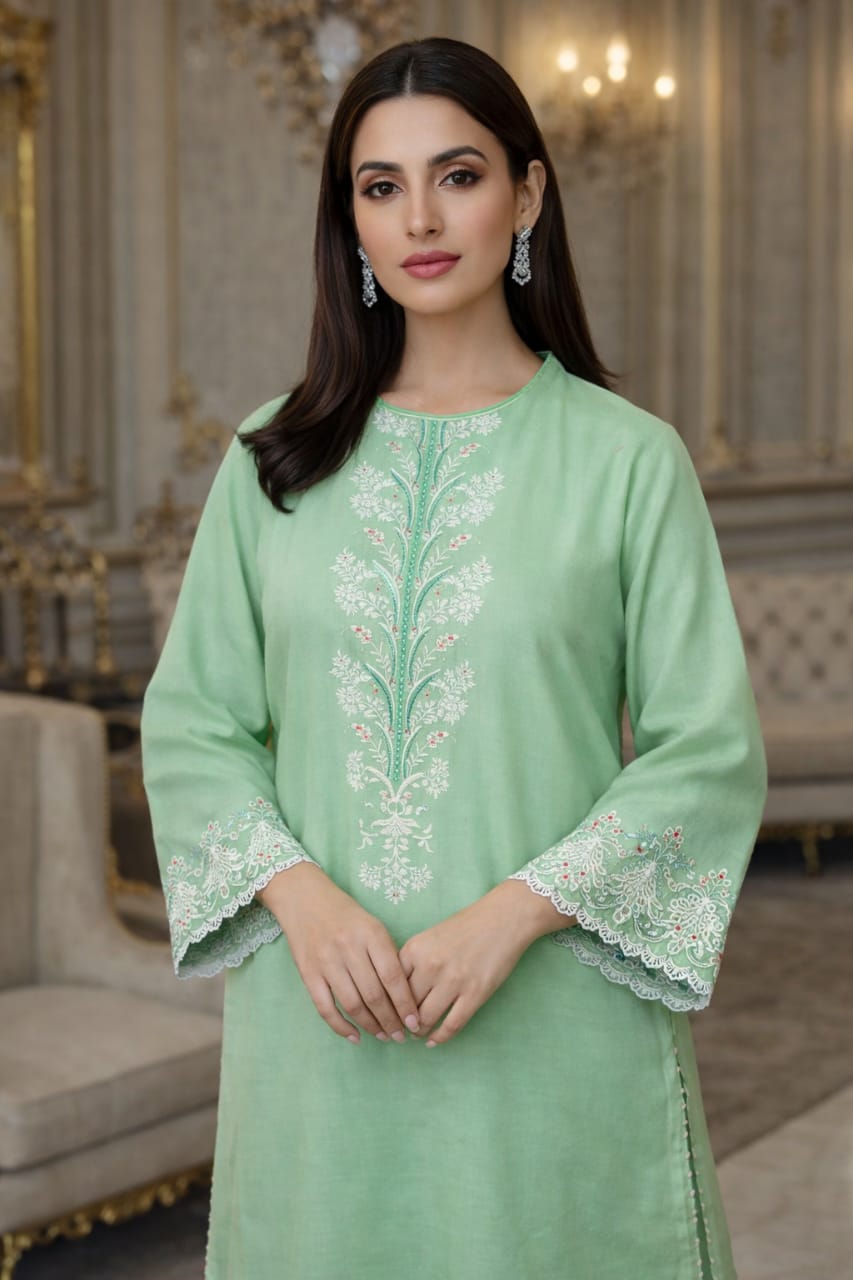
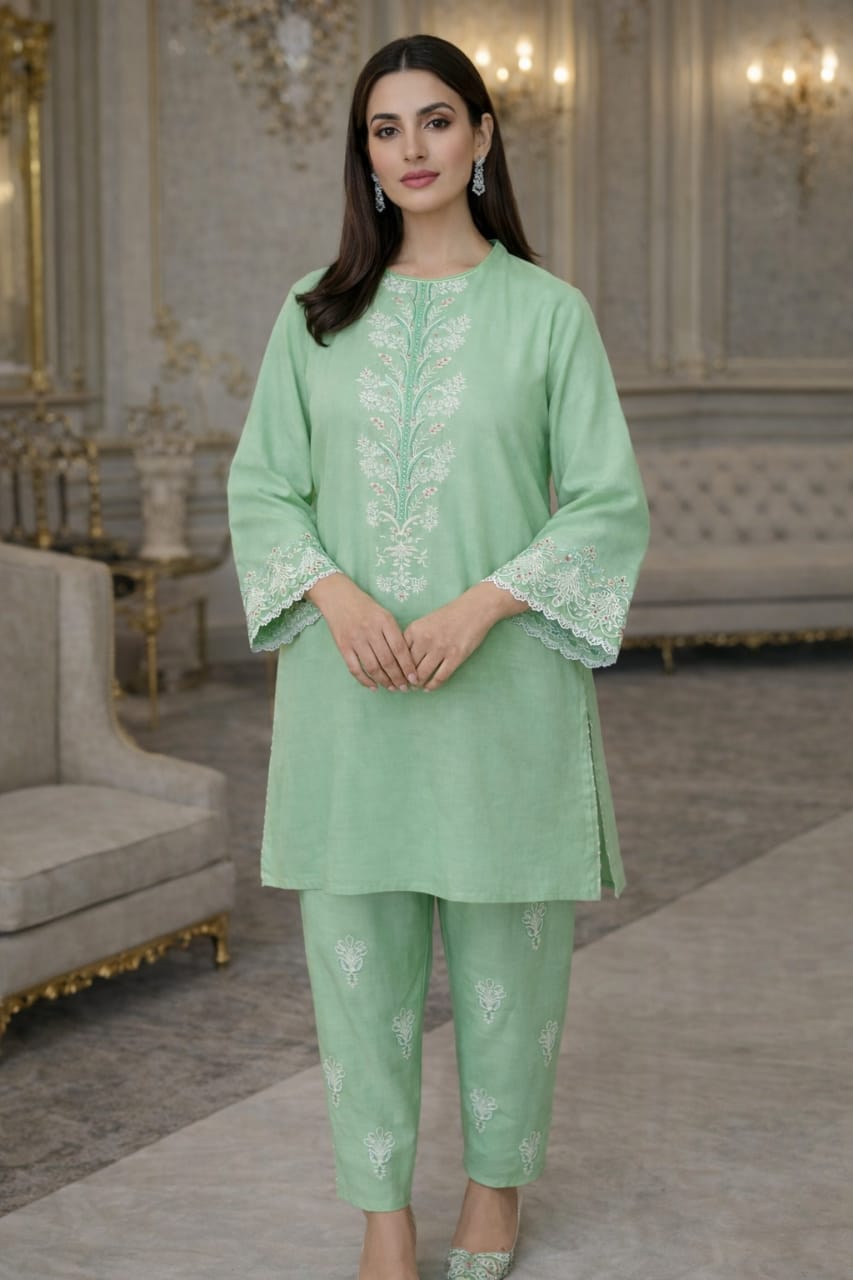
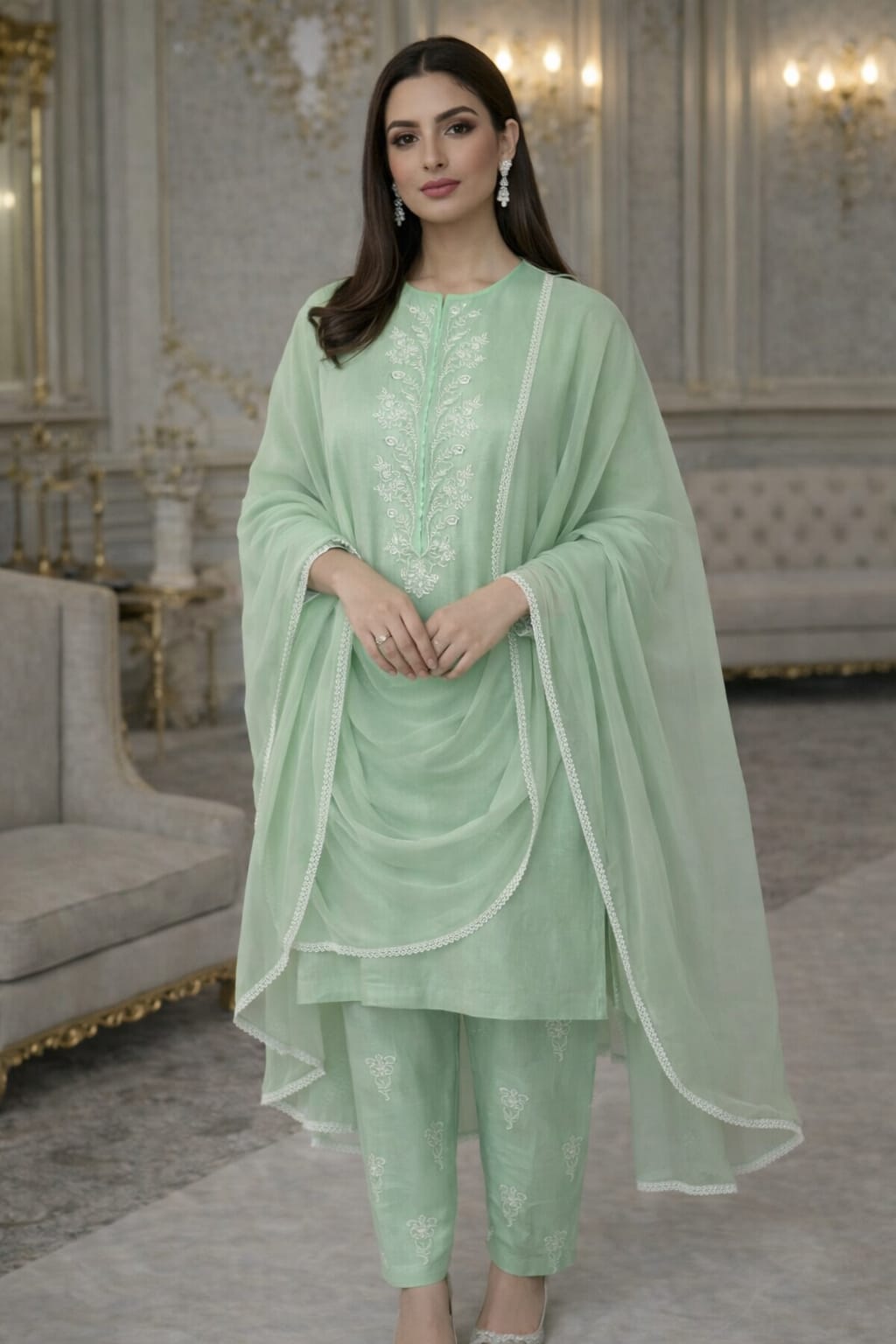
Sage
30% discount summer sale
Original price was: ₨ 3,500.₨ 2,450Current price is: ₨ 2,450.
For custom stitching orders, please contact us on WhatsApp.
Disclaimer: Every effort is made to ensure color accuracy; however, slight variations may occur due to lighting and different device display settings.
- Description
Lawn Embroidered 2pc
- Shirt Neckline Embroidered
- Sleeves Embroidered
- Trouser Embroidered
- Shipping Policy & ChargesA Policy Made for Our Customerswe take 3-5 working days to deliver an order on non sale items.On sale items, our duration for delivery is 5-14 working days which doesn’t include Saturday and Sunday.
- Delivery ChargesOn order of till Rs 5,999 is Rs 200.On order of Rs 6,000 or above we offer free delivery.
- Exchange & Refund PolicyAt Zardozi, we give our users a 7 days return policy, which means you have 7 days after receiving your item to request a return.Refund option doesn’t apply on Sale items unless the product has a fault from our side.To be eligible for a return, your item must be in the same condition that you received it, unused and in its original packaging. You’ll also need the proof of purchase.To start a return, you can contact us zardozionline@gmail.com DM us on Instagram or contact us on Whatsapp at 0334 4323500If your return is accepted, we’ll send instructions on how and where to send your package. Items sent back to us without first requesting a return will not be accepted.You can always contact us for any return question at zardozionline@gmail.com.
- Damages and issuesPlease inspect your order upon reception and contact us immediately if the item is defective, damaged or if you receive the wrong item within 24 hours of receiving the order, so that we can evaluate the issue and make it right.ExchangesYou can always exchange items if they are defective or sent incorrectly. In order for us to facilitate you with this, please ensure that product is unused the product is not washedthe return is reported within 24 hours of receiving the orderRefundsRefunds are made within 24 hours in your bank account, Jazz Cash or Easypaisa account once the complain is approved by our team.CARE INSTRUCTIONS: Wash light and bright colors separately. Do not twist/wring, warm iron to sequined, beaded, delicate fabrics. Do not dry in direct sunlight.Disclaimer: The color of the product may vary from the colors being displayed on your device. Light colors in fabric are slightly see-through, and you might need to wear a slip under.
Related products
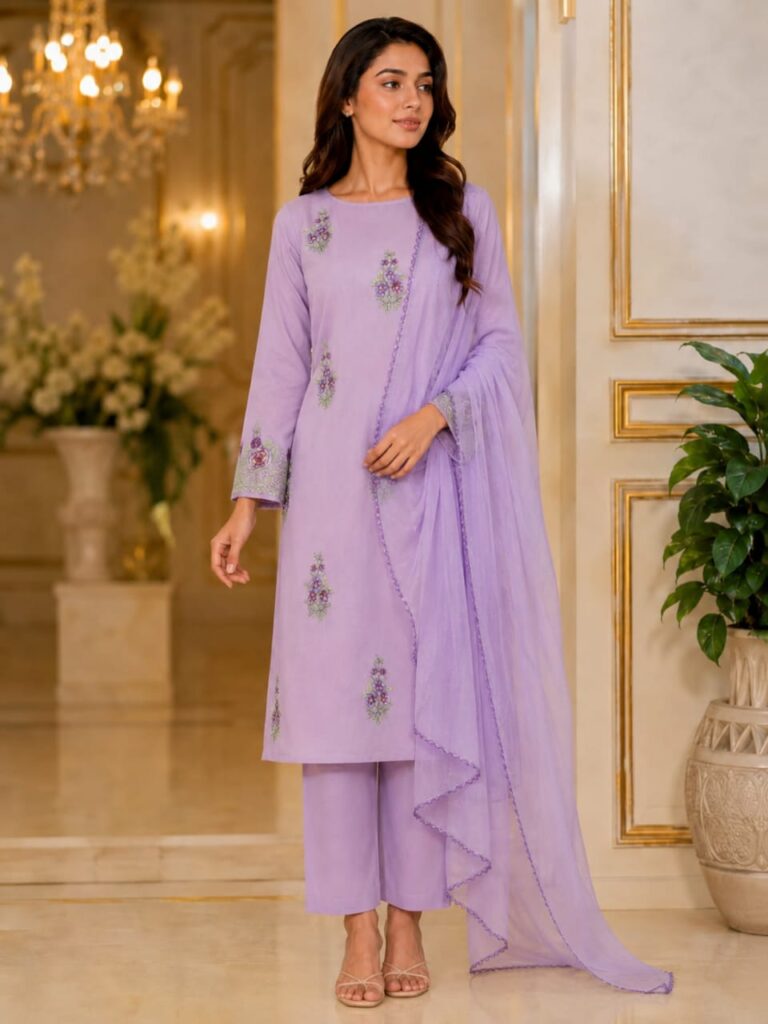
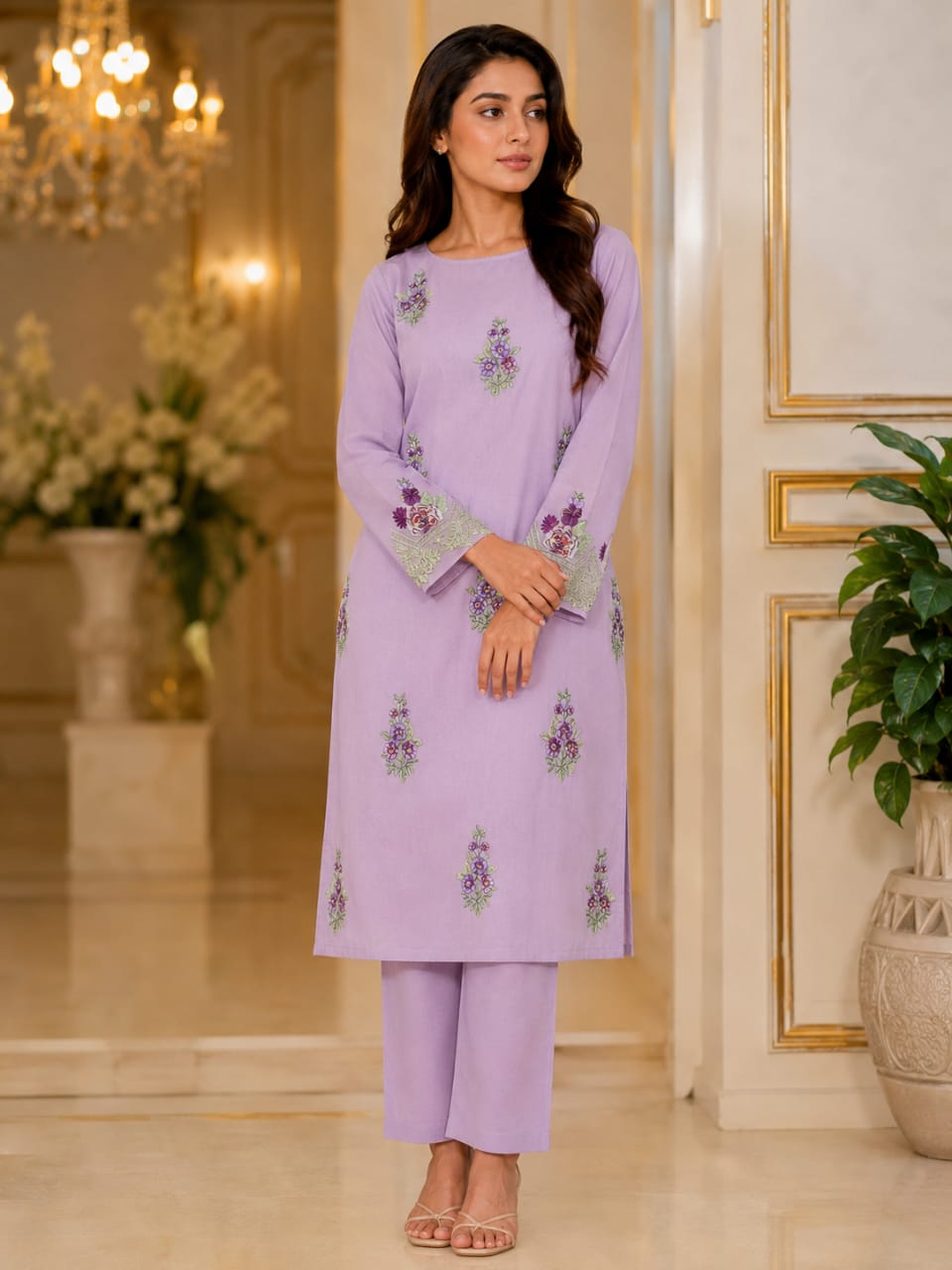
-30%
Orchid
Original price was: ₨ 3,500.₨ 2,450Current price is: ₨ 2,450.
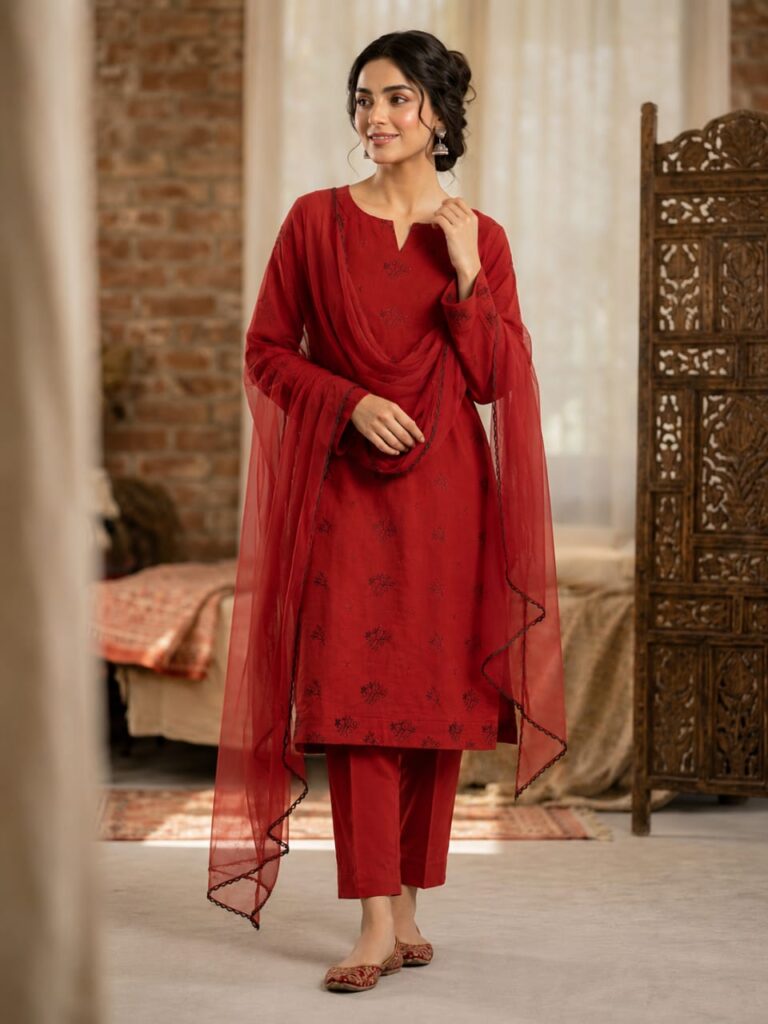

-30%
Rosette
Original price was: ₨ 3,500.₨ 2,450Current price is: ₨ 2,450.
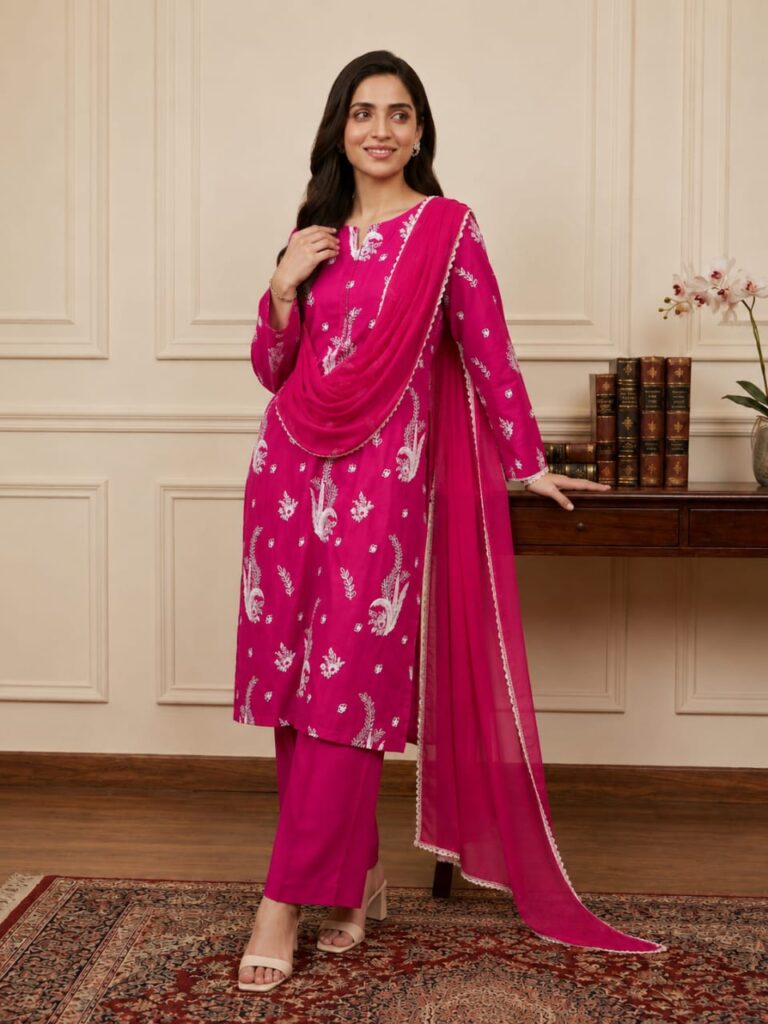
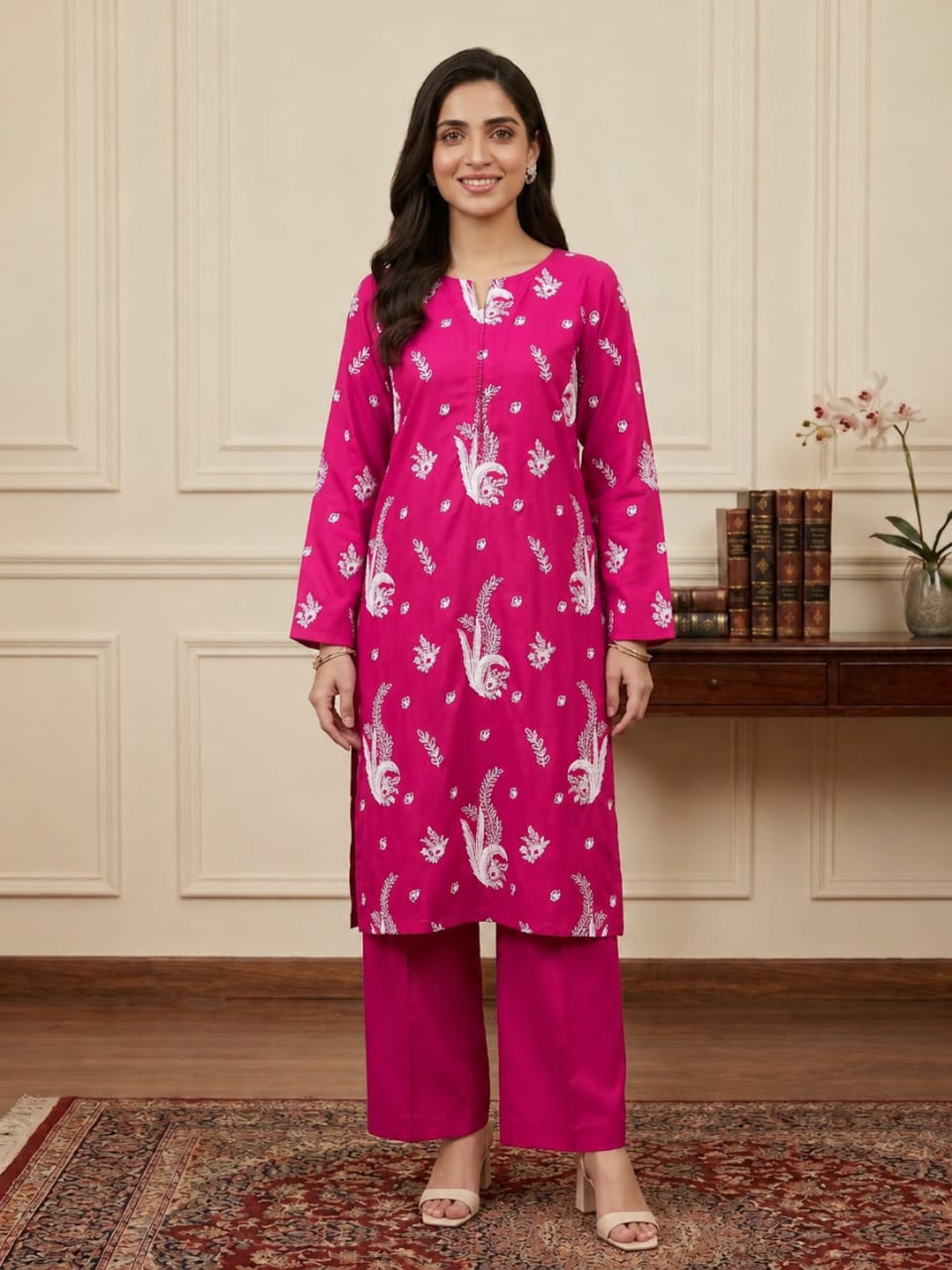
-30%
Fuchsia
Original price was: ₨ 3,500.₨ 2,450Current price is: ₨ 2,450.
-30%
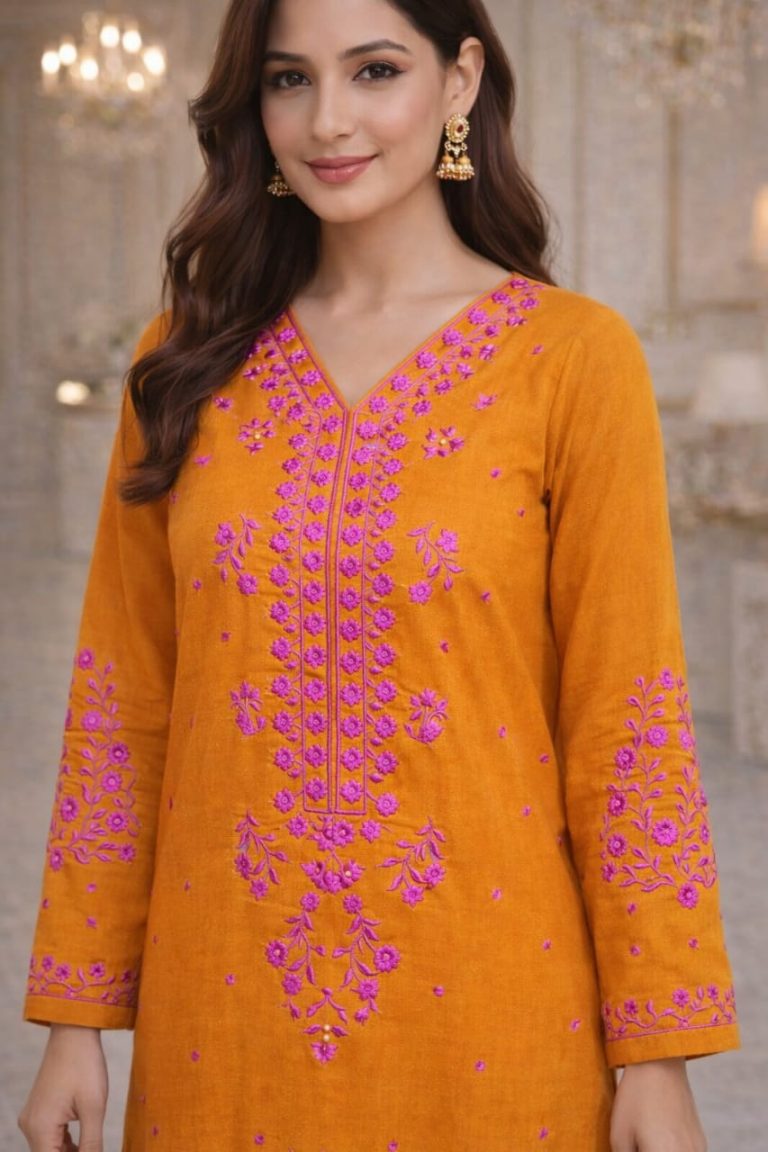
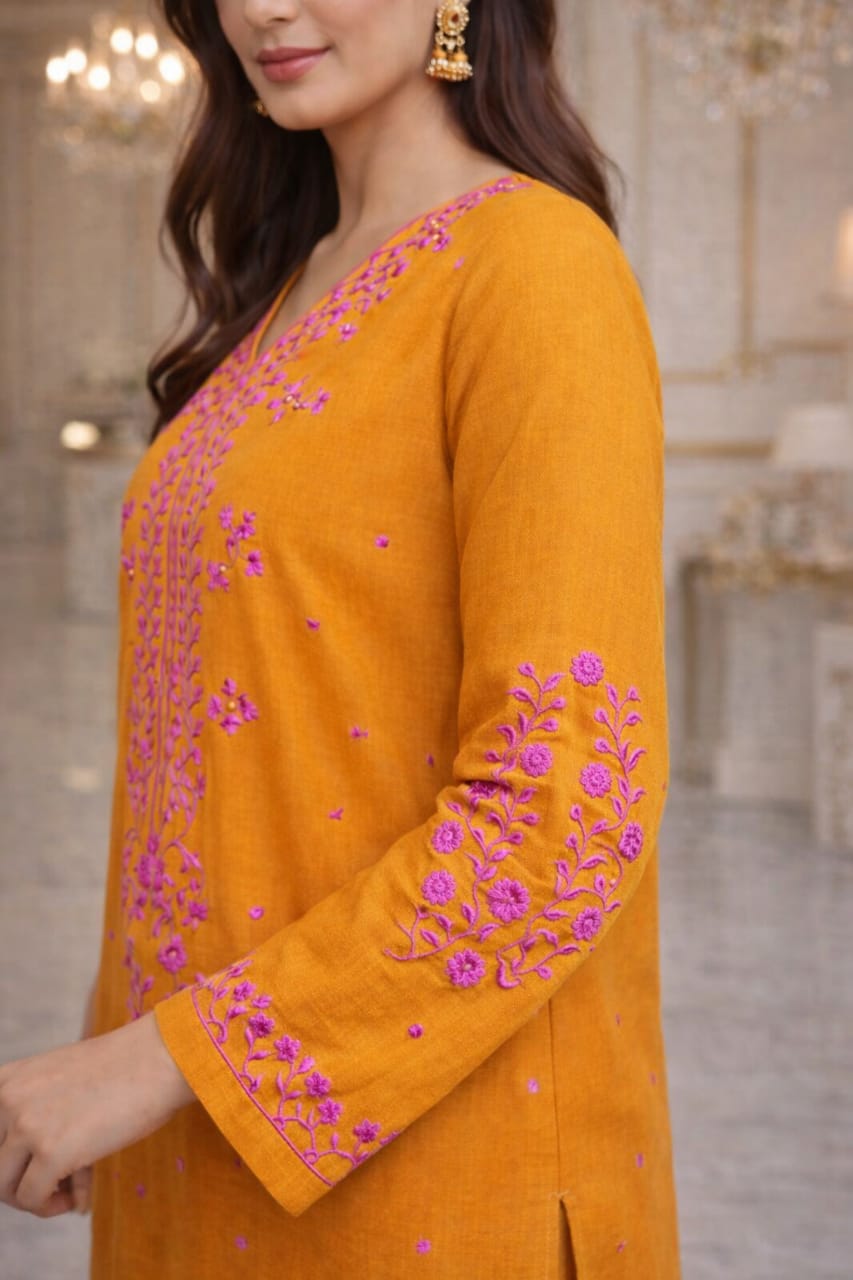
Marigold
Original price was: ₨ 3,500.₨ 2,450Current price is: ₨ 2,450.
-30%
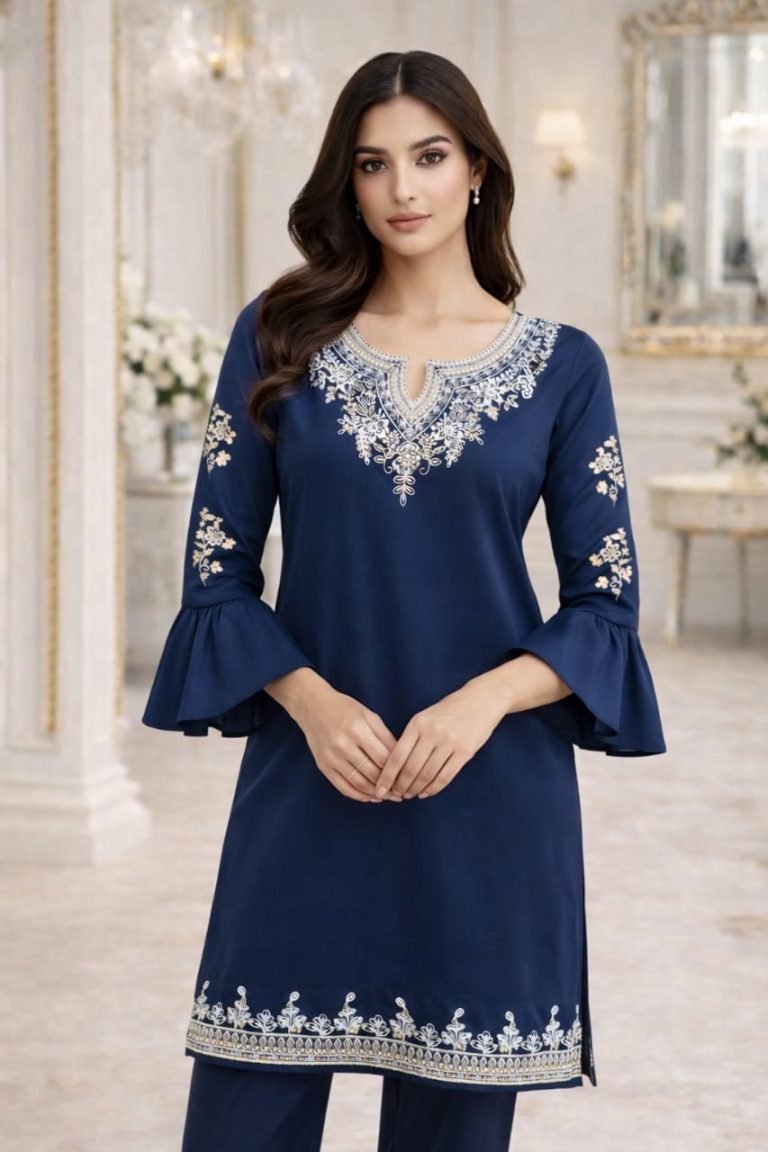
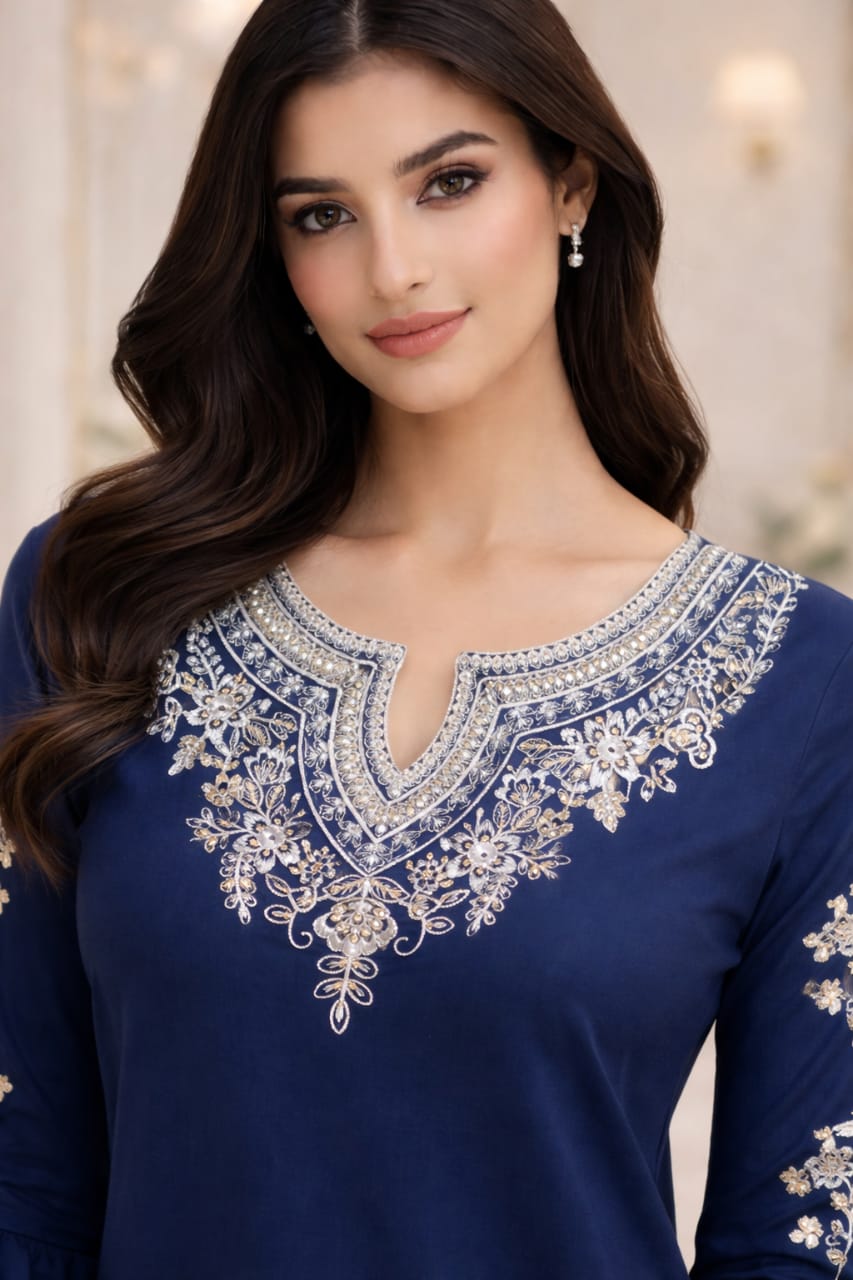
Royale
Original price was: ₨ 3,500.₨ 2,450Current price is: ₨ 2,450.